


Product Description
Need your pre-designed, envelope seal or round sticker printed? You’re in the right place! Whether you’ve created a design on Canva, Adobe, or any design platform, you can you professionally print a sticker design you’ve created yourself.
How to Upload Your Own Design
- 1. Make sure your file is ready to be loaded (see file requirements below)
- 2. Click the “Customize” button
- 3. Click “Add Image” and load your file
- 4. Make sure your image extends to the bleed
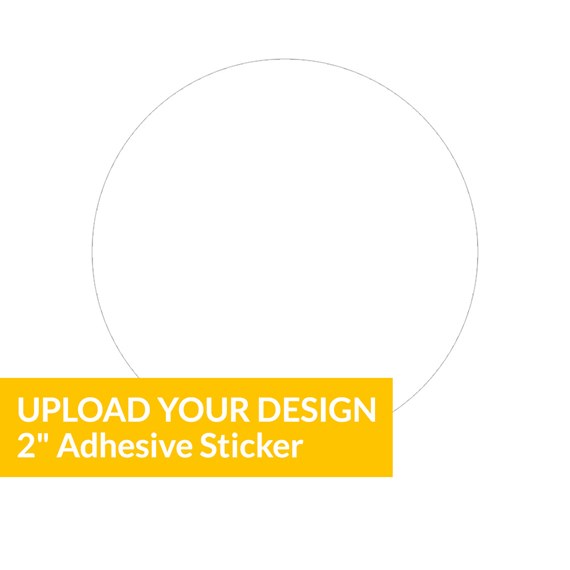
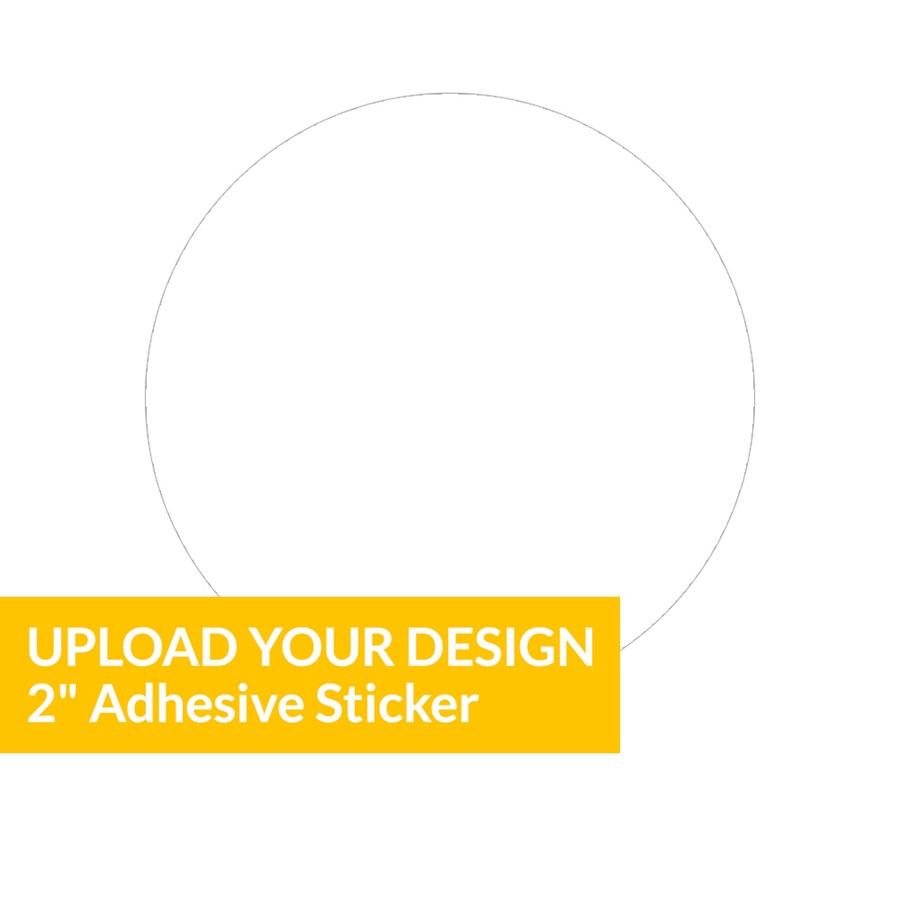
A Note About Using Designs from Canva- To create this card size on Canva, create a Custom Design, sized 2 x 2 inches (192 x 192 pixels). This will give you a square canvas, which is ideal for a circular design that will be die-cut or printed in a circle. Then, add a 2-inch circle to the canvas (you can use the circle shape and scale it to fit edge to edge), and design within it! Note: Be sure to delete the circle shape outline, once you're done creating your design, to avoid it being printed on your card. Please download as a PDF with “Crop marks and bleed” and CMYK Color Profile options selected.
Upload Your Own Design: File Requirements- Bleed: Include a 1/8 inch (0.125) bleed on each side of your design
Resolution: 300 dpi or higher
Maximum File Size: 15MB
Accepted File Types: JPG, PNG, TIF, PDF, GIF and AI
Note: We cannot print copyrighted images, artwork or other materials
- Bleed: Include a 1/8 inch (0.125) bleed on each side of your design
- To create this card size on Canva, create a Custom Design, sized 2 x 2 inches (192 x 192 pixels). This will give you a square canvas, which is ideal for a circular design that will be die-cut or printed in a circle. Then, add a 2-inch circle to the canvas (you can use the circle shape and scale it to fit edge to edge), and design within it! Note: Be sure to delete the circle shape outline, once you're done creating your design, to avoid it being printed on your card. Please download as a PDF with “Crop marks and bleed” and CMYK Color Profile options selected.
Recommended
Upload Your Design - 6 x 4.25 Postcard
Starting At $1.99
Upload Your Design - 4.25 x 6 Postcard
Starting At $1.99
Upload Your Design - 5 x 7 Card
Starting At $2.89
Upload Your Design - 7 x 5 Card
Starting At $2.89
Upload Your Design - 5 x 7 Arch
Starting At $2.69
New
Upload Your Design - 5.5 Inch Circle Menu Card
Starting At $1.69
New
Upload Your Design - 3.5 x 8.5 Menu Card
Starting At $1.69
Upload Your Design - 5.5 x 5.5 Square Card
Starting At $2.89
Customer Reviews