







Product Description
Celebrate the season with the Festive New Home Business Holiday Card—an ideal photo holiday card for realtors looking to connect with clients in style. Your photo appears inside a golden ornament topped with a festive red ribbon, accented by printed gold speckles for the rich look of digital gold ink. The cheerful “Deck the Halls” greeting sets a joyful tone, while customizable colors and multiple back layout options let you share your holiday message, contact details, or even extra property photos—perfect for staying top-of-mind as clients dream of their next home.
How to Add a Logo to Your Card
Adding your company logo is quick and easy.
- Click the Add Image icon in the left toolbar of the Product Editor.
- Upload your company logo.
- Once added, you can move, resize, rotate, and position your logo anywhere on your design.
How to Add Digital Signatures to Your Card
Add a personal touch to your holiday card with handwritten digital signatures.
To create your signature:
- Sign your name on a plain white sheet of paper using a dark ink pen (black or blue works best).
- Scan or photograph your signature in good lighting.
- Use a free online background remover to erase the white background (simply search "free background remover" in your browser).
- Save your file as a PNG to preserve the transparent background. (PNG is preferred, but high-resolution JPG, PDF, and TIFF files are also supported.)
To add your signature to your card:
- Click the Add Image icon in the left toolbar of the Product Editor.
- Upload your signature file just as you would upload a photo.
- Resize, rotate, and position your signature anywhere on your design.
Matching Items
Business Logo - Envelope Seals
Starting At $0.69

Logo - Envelope Seals
Starting At $0.69
Scripted - Address Labels
Starting At $0.59

Pretty Script - Address Stamp
Starting At $29.99
Recommended

Wonderful Year - Christmas Card
Starting At $2.89
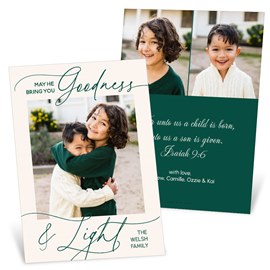
Goodness and Light - Christmas Card
Starting At $2.89

All is Bright - Christmas Card
Starting At $2.89

Faith and Hope - Christmas Card
Starting At $2.89
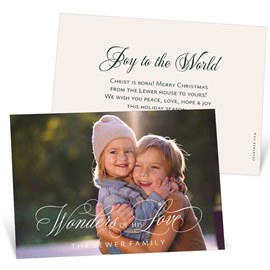
Wonders - Christmas Card
Starting At $2.89
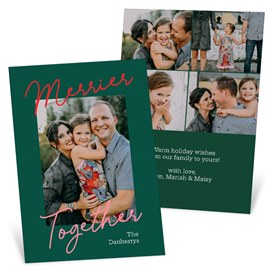
More Merry - Christmas Card
Starting At $2.89

Blessings Flow - Christmas Card
Starting At $2.89
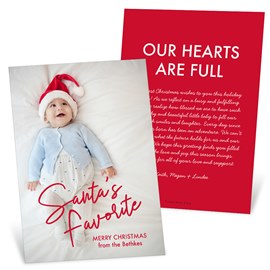
Santa's Favorite - Christmas Card
Starting At $2.89
Related Products

Framed in Cheer - Christmas Card
Starting At $3.39
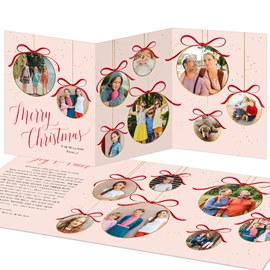
Scrapbook Ornaments - Christmas Card
Starting At $3.39
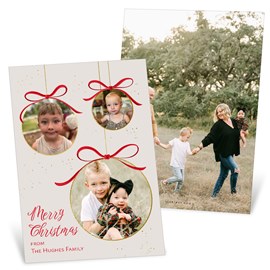
Ornament Frames - Christmas Card
Starting At $2.89
Customer Reviews