


Product Description
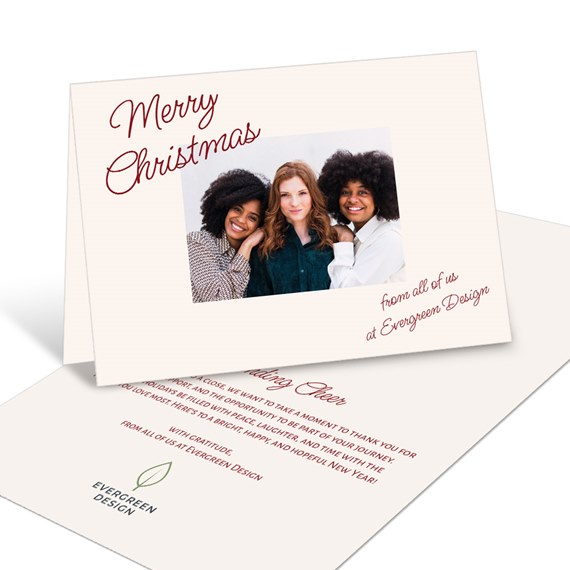
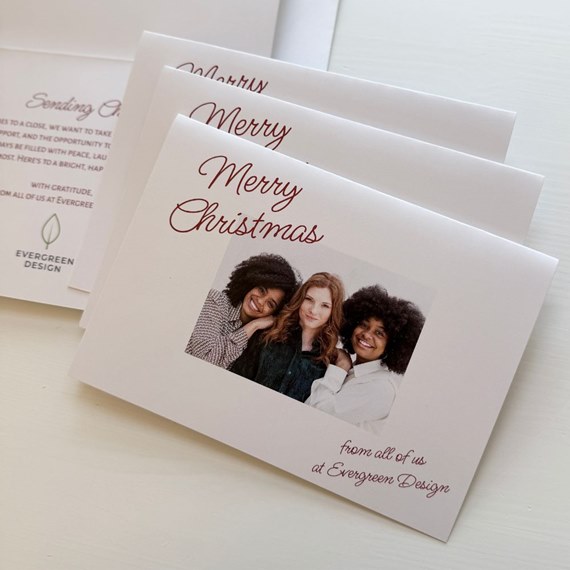
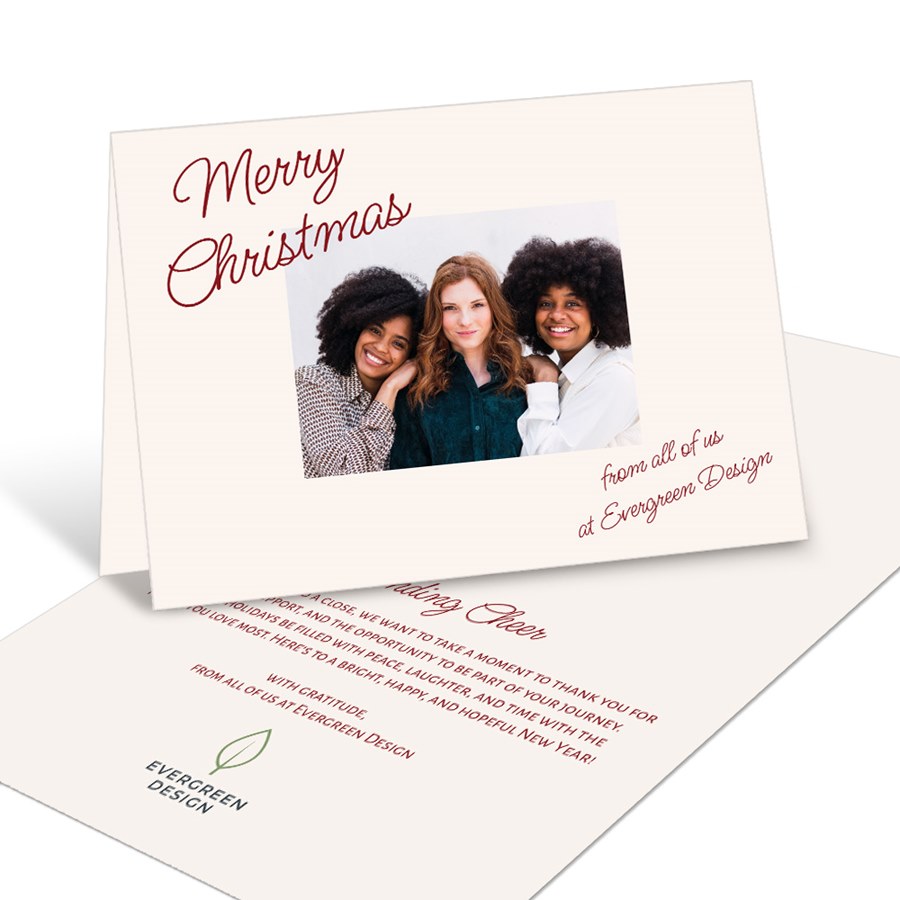
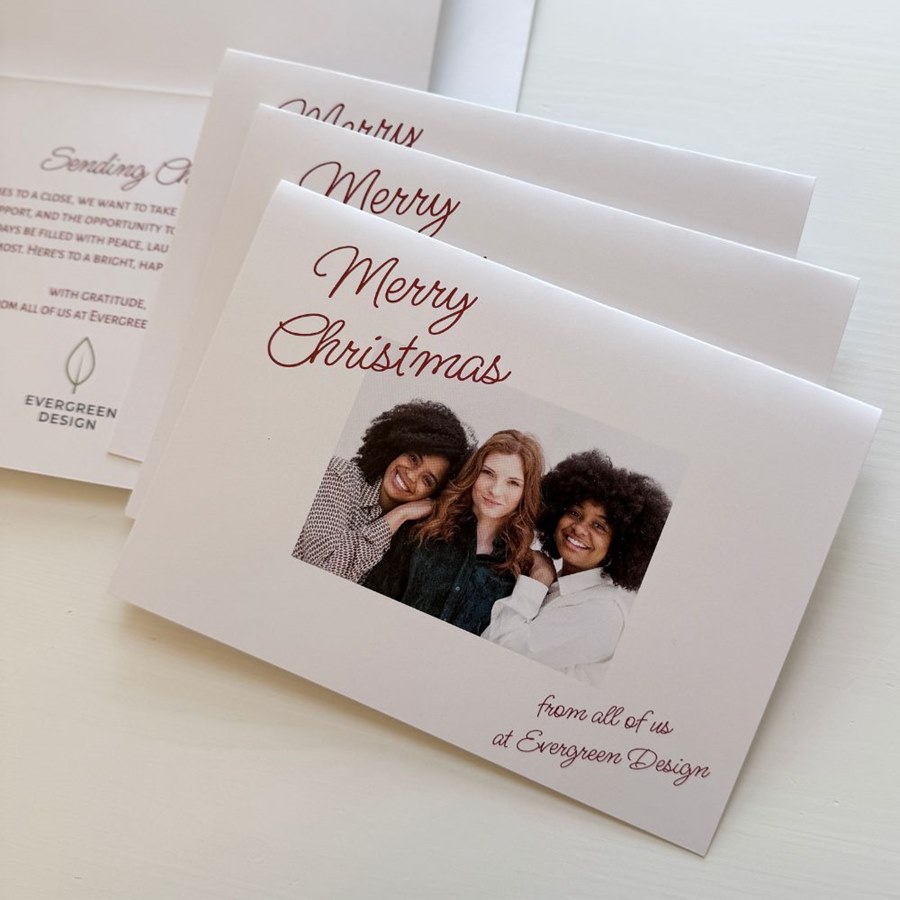
Keep your holiday greeting clean and contemporary with the Simply Framed Business Holiday Card, featuring your photo, a customizable background color, and stylish slanted text. Personalize the greeting, fonts, colors, and inside message to create Christmas cards for business that feel both professional and personal. Finish your design with your company logo or team signatures for memorable business Christmas cards with signatures to connect with your clients.
How to Add a Logo to Your Card
Adding your company logo is quick and easy.
- Click the Add Image icon in the left toolbar of the Product Editor.
- Upload your company logo.
- Once added, you can move, resize, rotate, and position your logo anywhere on your design.
How to Add Digital Signatures to Your Card
Add a personal touch to your holiday card with handwritten digital signatures.
To create your signature:
- Sign your name on a plain white sheet of paper using a dark ink pen (black or blue works best).
- Scan or photograph your signature in good lighting.
- Use a free online background remover to erase the white background (simply search "free background remover" in your browser).
- Save your file as a PNG to preserve the transparent background. (PNG is preferred, but high-resolution JPG, PDF, and TIFF files are also supported.)
To add your signature to your card:
- Click the Add Image icon in the left toolbar of the Product Editor.
- Upload your signature file just as you would upload a photo.
- Resize, rotate, and position your signature anywhere on your design.
Matching Items
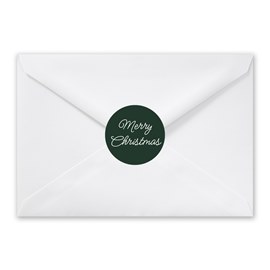
Handwritten Greeting - Envelope Seals
Starting At $0.69
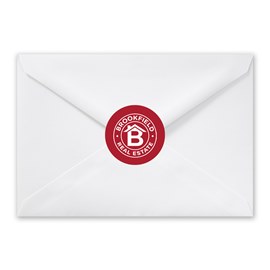
Business Logo - Envelope Seals
Starting At $0.69

Logo - Envelope Seals
Starting At $0.69
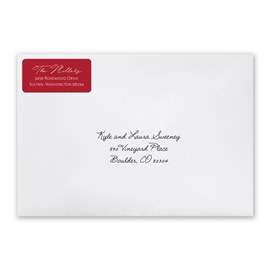
Simple Script - Address Labels
Starting At $0.59

Flourishing - Address Stamp
Starting At $29.99
Recommended
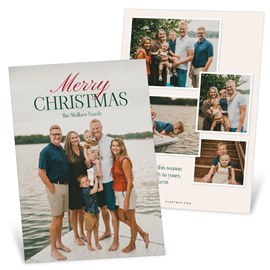
Top Text - Christmas Card
Starting At $2.89
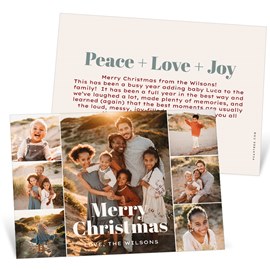
All Together - Christmas Card
Starting At $2.89
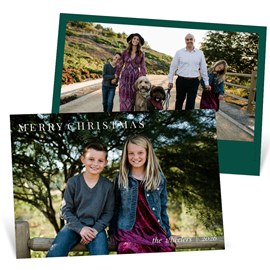
Minimal - Christmas Card
Starting At $2.89
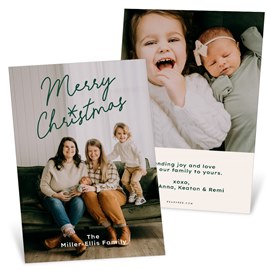
Always Merry - Christmas Card
Starting At $2.89
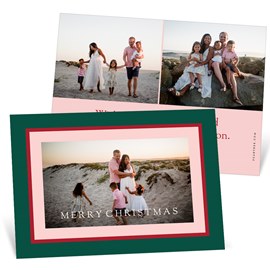
Bright Frame - Christmas Card
Starting At $2.89
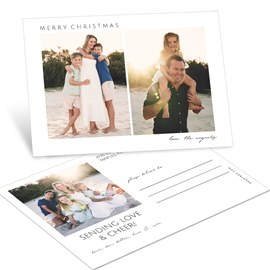
Side By Side - Christmas Postcard
Starting At $1.99
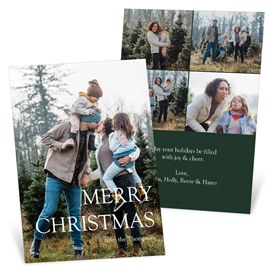
Clean Type - Christmas Card
Starting At $2.89
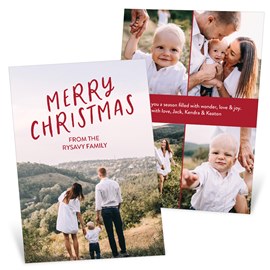
Very Merry Moment - Christmas Card
Starting At $2.89
Related Products
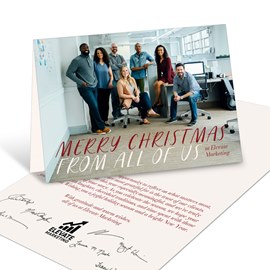
Modern Merry - Business Holiday Card
Starting At $3.19
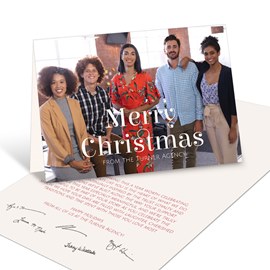
Contemporary Cheer - Business Holiday Card
Starting At $3.19
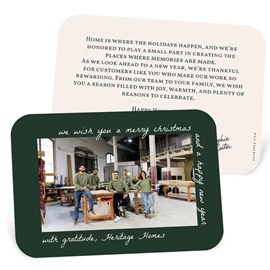
Wrapping Text - Business Holiday Card
Starting At $2.69
Customer Reviews